Nic On Lumix
Delaware (LUT)
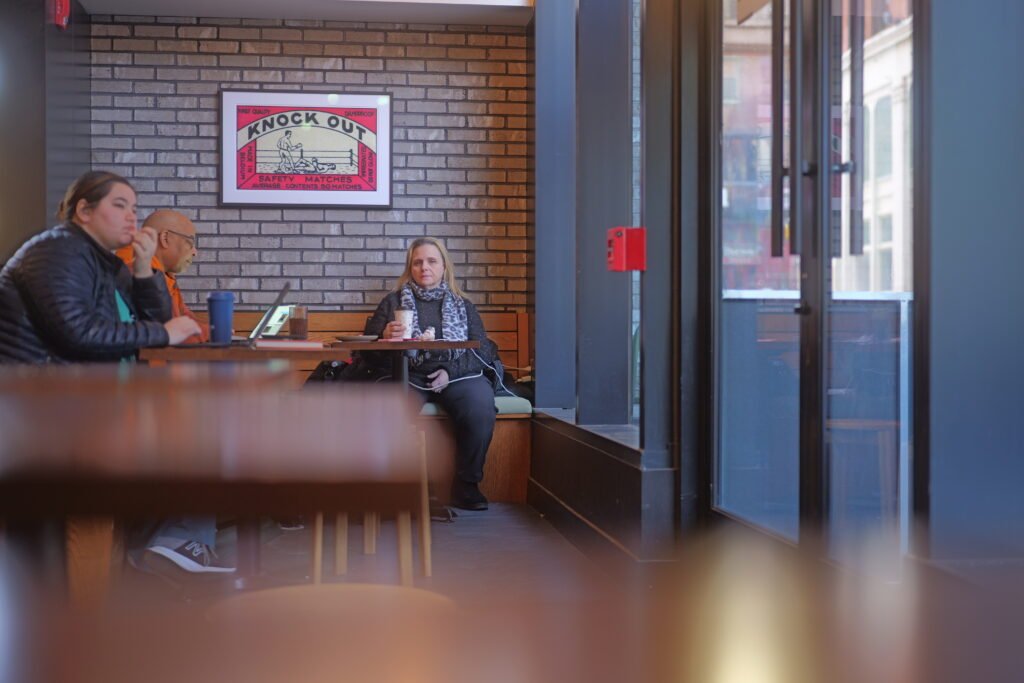

Delaware: A Street Photography LUT for Boring Light
If you shoot in urban environments—especially on the East Coast—you are likely familiar with the struggle of flat, lifeless lighting. You go out to shoot, but the sky is a blanket of white haze, and the resulting RAW files look washed out and uninspiring. That is exactly why I created Delaware, a custom street photography LUT specifically designed to solve the “East Coast Grey” problem.
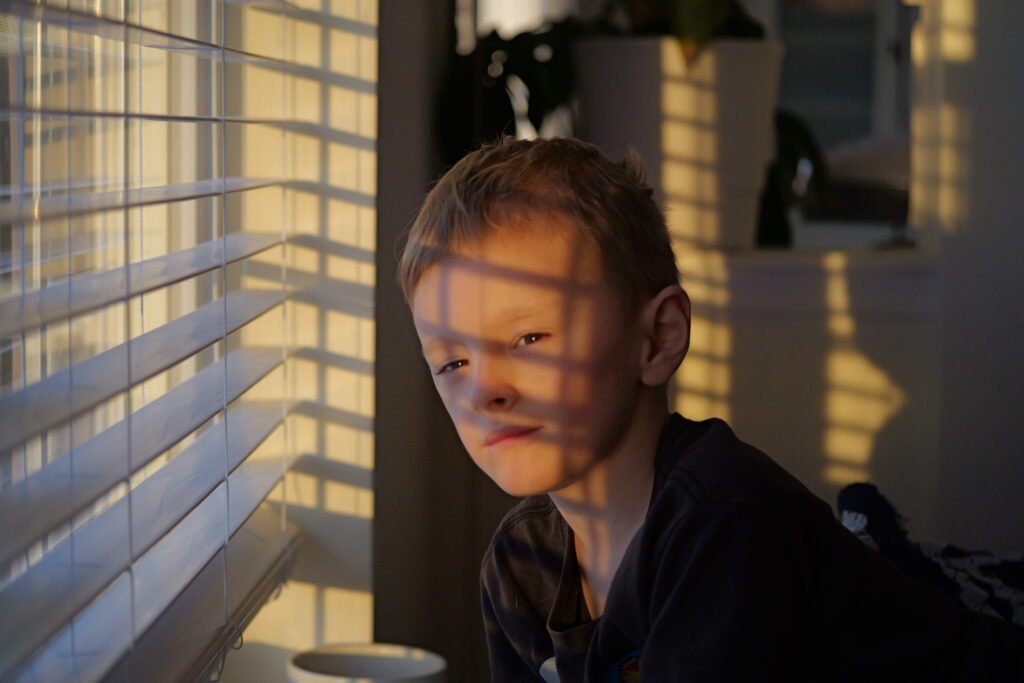
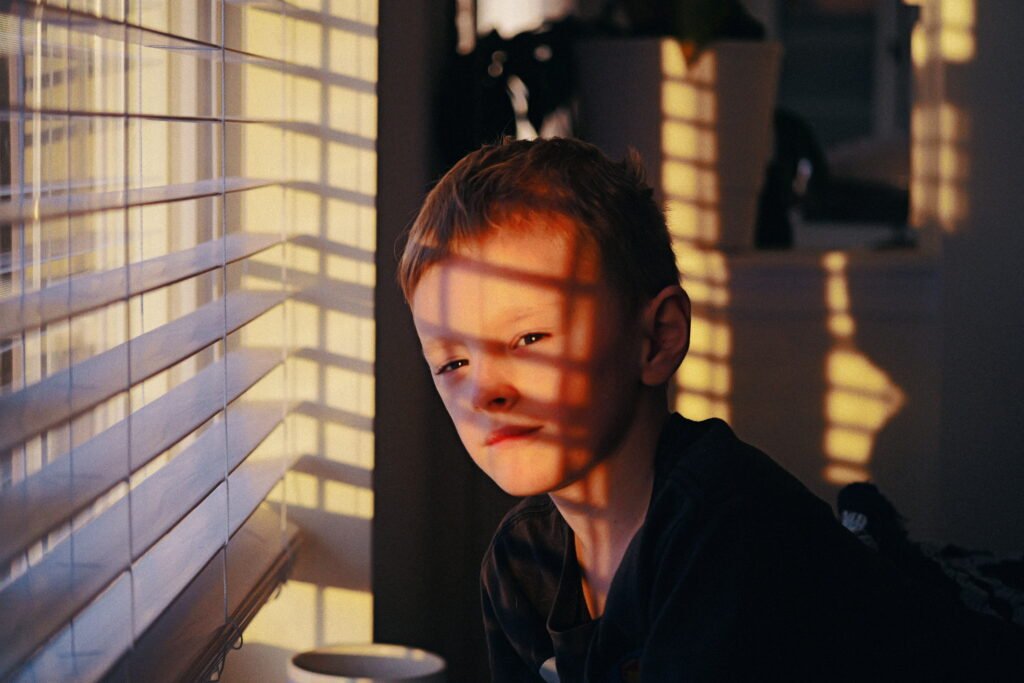
This isn’t just a filter that slaps a vintage tint on your work; it is a corrective tool designed to give your images a heartbeat. I built this street photography LUT to provide a solid punch of contrast that cuts right through atmospheric haze, instantly adding depth to flat scenes.
It revitalizes the color palette by targeting specific channels, making street signs and taillights pop with deep reds, while ensuring urban foliage looks lush and green rather than muddy. Crucially, it does all this without pushing the image into “over-the-top” territory. The goal isn’t to change reality or make your photos look like a cartoon; it is about waking them up.
While I call it “Delaware,” this look works wonders for any concrete jungle where the lighting feels dull. Whether you are shooting with a Lumix S5II, a Sony A7IV, or just editing iPhone shots in the Lumix Lab app, this preset acts as an instant “fix” for boring weather. Stop letting overcast days ruin your edit. Try this free street photography LUT today and bring the grit and vibrancy back into your city shots.
Settings:
Profile: Standard
White Balance: AWBc
iDynamic: High
Contrast: +5
Highlight: -2
Shadow: -2
Saturation: +1
Grain: Low
Color Noise: Off
Noise Reduction: -2
Sharpness: -2
LUT Opacity: 100%
If you want a strong gritty and cinematic look to make your shots look more like Hollywood drama, try my